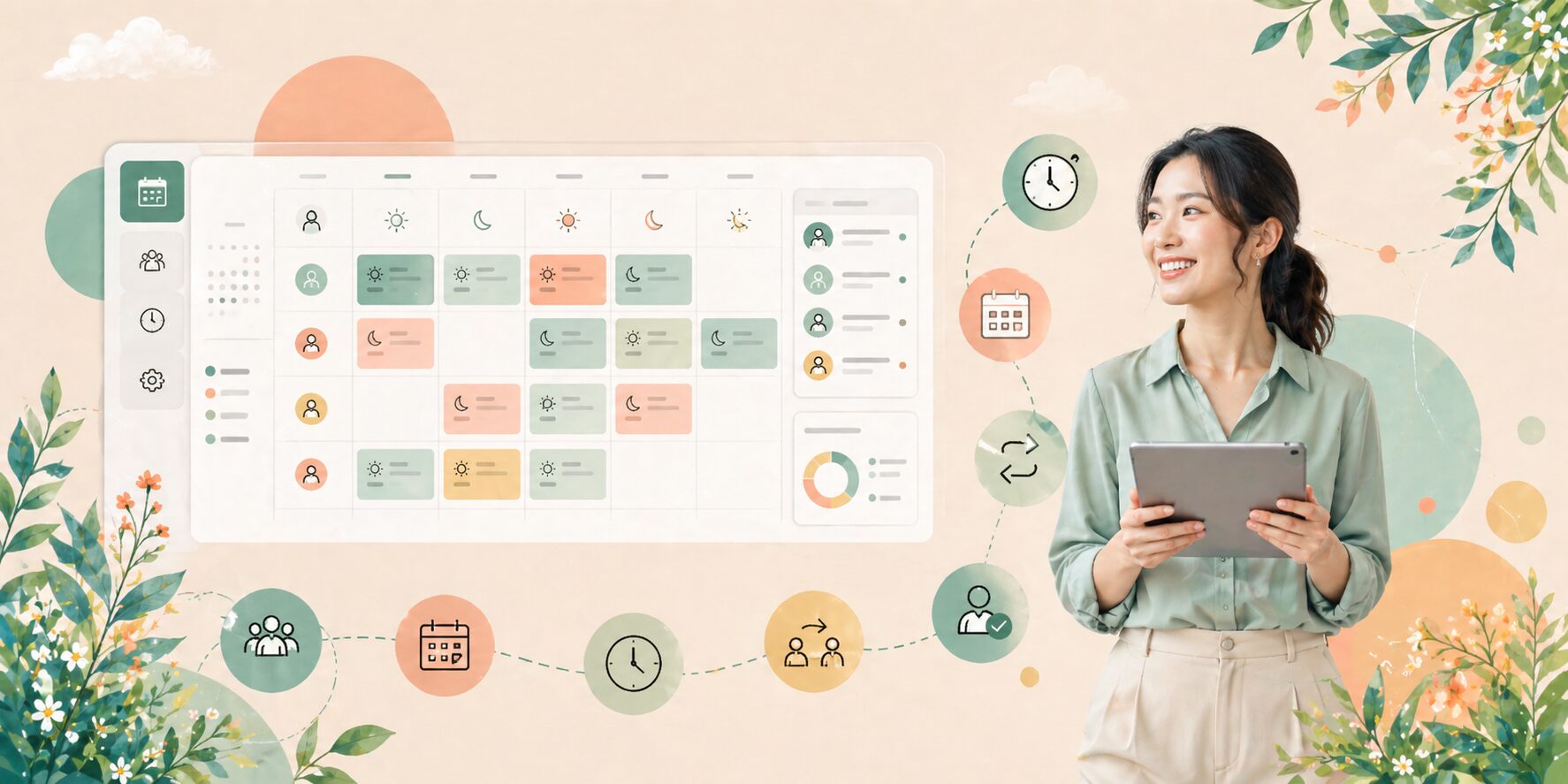
Orchestrate Your Entire Workforce Lifecycle — From Hiring to Payroll — With Structure, Visibility, and Control
Not sure which brioHR module fits your company?
Answer 4 quick questions and discover the module that best matches your HR needs.
Workforce administration refers to the structured management of the employee lifecycle, including hiring, scheduling, time tracking, leave management, overtime calculation, claims processing, and payroll compliance.

Employee data is centralized and accurate

HR approvals follow clear workflows

Attendance and leave are tracked consistently

Overtime and claims are calculated correctly

Payroll processing is compliant and efficient
Without a structured workforce administration system, HR operations become reactive, inconsistent, and prone to errors.
brioHR integrates the full workforce lifecycle into one platform:
brioHR connects every stage from recruitment and hiring to scheduling, attendance, leave, overtime, claims, and payroll.
Employee information flows across modules, reducing repeated manual entry and improving data accuracy.
HR teams can manage approvals, calculations, and payroll processes more efficiently with less manual follow-up.
A structured workflow helps maintain compliance while giving management clearer visibility over workforce operations.
Small and medium-sized businesses scaling operations
Companies with growing headcount
Multi-branch organizations
Businesses seeking payroll compliance
HR teams looking to automate manual processes
It is ideal for organizations ready to move from fragmented HR tools to a unified system.
With BrioHR, organisations experience:
Reduced payroll errors
Faster HR approvals
Improved compliance readiness
Centralized workforce visibility
Greater operational efficiency
Better employee experience
Workforce administration software is a system that manages recruitment, attendance, leave, overtime, claims, and payroll in one integrated platform.
Yes. BrioHR includes a fully integrated payroll module that automates calculations and compliance reporting.
Yes. Attendance, leave, overtime, and claims data automatically sync into payroll processing.
Yes. BrioHR is designed for growing businesses that require structured HR processes without enterprise-level complexity.
Yes. BrioHR is a cloud-based HR management system accessible through web and mobile.
Transform fragmented HR processes into a structured, integrated system designed for clarity and compliance.
✔ Centralized employee management
✔ Automated attendance and leave
✔ Integrated overtime and claims
✔ Streamlined payroll processing
Request a Demo
Speak to an HR Specialist
By answering a few questions, we will recommend you the best module for your business in less than 50 seconds!
Discover more solutions for your business.
CANDIDATE RECRUITMENT SYSTEM
Collect feedback easily, enhance team collaboration, and make faster hiring decisions.

Integrates with careers pages and job platforms.
Automatically collects candidate applications.
Improves visibility for better hiring decisions.


Manage all job openings and applications in one dashboard.
Screen candidates using resumes or pre-screening responses.
Simplify evaluation with integrated hiring tools.
Create custom interview scorecards and feedback forms for multiple interviewers.

Rate candidates and store searchable profiles for future roles.
Define Skills
Rate Candidates
Pre-Interview Screening
Assess Candidates
Flexible Interviews
Custom Processes
Track Openings
Organized Dashboard
Team Alignment
Informed Hiring
Schedule Interviews
Update Candidates
Easy Scheduling
Calendar Sync
Automate clock-ins, overtime tracking, and payroll sync in one platform. Stay compliant with local labour laws, prevent errors, and make faster, data-driven staffing decisions without the manual work.

Skip the manual uploads and endless reconciliations. With brioHR, approved hours flow directly into payroll so you can process pay runs faster, eliminate errors, and keep everything perfectly in step.
Build and customize schedules for rotating shifts, seasonal staff, and peak periods in minutes with the flexibility of Excel but without the manual work. Allocate the right people at the right time so operations run smoothly no matter how busy things get.


Empower your team to clock in/out directly from their phone
Automatically log and track work hours with ease
Access schedules anytime, anywhere — in the office, on-site, or remote

Customize approval workflows to fit your business needs and ensure accurate payroll

Review and approve employee timesheets in seconds
brioHR automatically calculates and approves overtime, then syncs it directly with payroll for accurate, on-time compensation. Cut down on admin work, stay compliant with labor laws, and ensure your team is paid correctly every time.


Give your team the freedom to clock in from any location, backed by GPS and geofencing for precise verification. BrioHR’s smart clock-ins reduce time fraud, improve accountability, and keep attendance transparent for mobile and dispersed teams.
Stay on top of employee attendance with live updates. Get instant alerts for absences or irregularities so you can address issues before they affect productivity.

Payroll syncs directly with your Time & Attendance data—hours, shifts, and approved overtime, so employees are paid accurately every cycle, without manual entry.
Once claims are approved, they flow straight into payroll for on-time, accurate reimbursements, eliminating double handling and reducing errors.
Leave data automatically updates in payroll, ensuring correct payouts, deductions, and entitlements with no extra admin.
Payroll entries are pushed instantly to your accounting software, cutting reconciliation time and keeping your books error-free.

Employees can add comments or attachment to their leave applications for clarity and context
Employees can add comments or attachment to their leave applications for clarity and context
Employees can add comments or attachment to their leave applications for clarity and context


Customize leave policies at employee level — tenure-based entitlements or carry-forward options
Manage leave and time-off across multiple locations with ease
Integrate public holidays and vacations — by country, one-off events, or company-wide breaks
Customize reports to track company-wide leave usage and stay in control of balance during peak seasons

Easy-to-read leave reports that can be shared seamlessly with colleagues for better visibility
A shared company calendar that allows employees to see who is on leave.
Credit based leave type that allows employee to apply for replacement credit.
Save your time by automating the manual steps to build an efficient approval experience.
Accrued leave based on daily or monthly basis.
Set amount of unused leave to be able to carried over to the next year.
Set the minimum and maximum limit of time for a leave to be booked in advance.
If your company offers benefits to spouses and children, you can find their details here.
Add fields that you would like your employees to answer when requesting leave.
Turn messy receipts into clean data with brioHR’s built-in OCR and customizable workflows.
brioHR automatically applies the latest published rate each day, ensuring reimbursements stay fair and consistent across currencies.
Review expense details on web or mobile and take action instantly. brioHR makes approvals effortless, wherever you are.
From pending approvals to processed reimbursements, brioHR’s dashboard gives you full visibility over expense reports across your organization.
Every company works differently. brioHR lets you define the right multi-level approval chain so that the right person signs off on every claim.
Capture exactly the information you need with configurable fields for every claim.
We calculate EPF, SOCSO, EIS, HRDC, and PCB automatically and generate LHDN-compliant payslips.
brioHR auto-prepares EA, PCB2(II), CP39, Form E, CP8D and more, ready when you need them
Give the right payroll and reports access to the right HR/Admin users in just a few clicks.
Your data stays safe with enterprise-grade encryption, SSO and MFA
We protect employee data at every step, both inside and outside your company
Hosted on world-class infrastructure with 99% uptime across 3 availability zones
1 min RPO with real time backups /WAL archiving, to ensure smooth data roll-back and recovery.
Salaries are automatically added, recurring allowances are prefilled. just add ad hoc items and review

BrioHR generates bank and statutory files for you, so that salaries and contributions are paid accurately

Make payslips available to employees automatically

Sit back and sip your coffee


Compare current pay run with previous runs before approval
Track changes in gross pay, allowance, and deductions instantly
Review details with just a click for accurate payroll

Flexible schedules — pay part-timers weekly and full-timers monthly
Effortless Payroll management — whether it’s one pay cycle or ten
Adaptable runs — handle off-cycle payrolls whenever needed
Push your data to Power BI for advanced dashboards and visuals

No manual exports. No messy Excel files. Just clarity
Filter by department, pay item type, or any field.
Payroll syncs directly with your Time & Attendance data—hours, shifts, and approved overtime, so employees are paid accurately every cycle, without manual entry.
Once claims are approved, they flow straight into payroll for on-time, accurate reimbursements, eliminating double handling and reducing errors.
Leave data automatically updates in payroll, ensuring correct payouts, deductions, and entitlements with no extra admin.
Payroll entries are pushed instantly to your accounting software, cutting reconciliation time and keeping your books error-free.